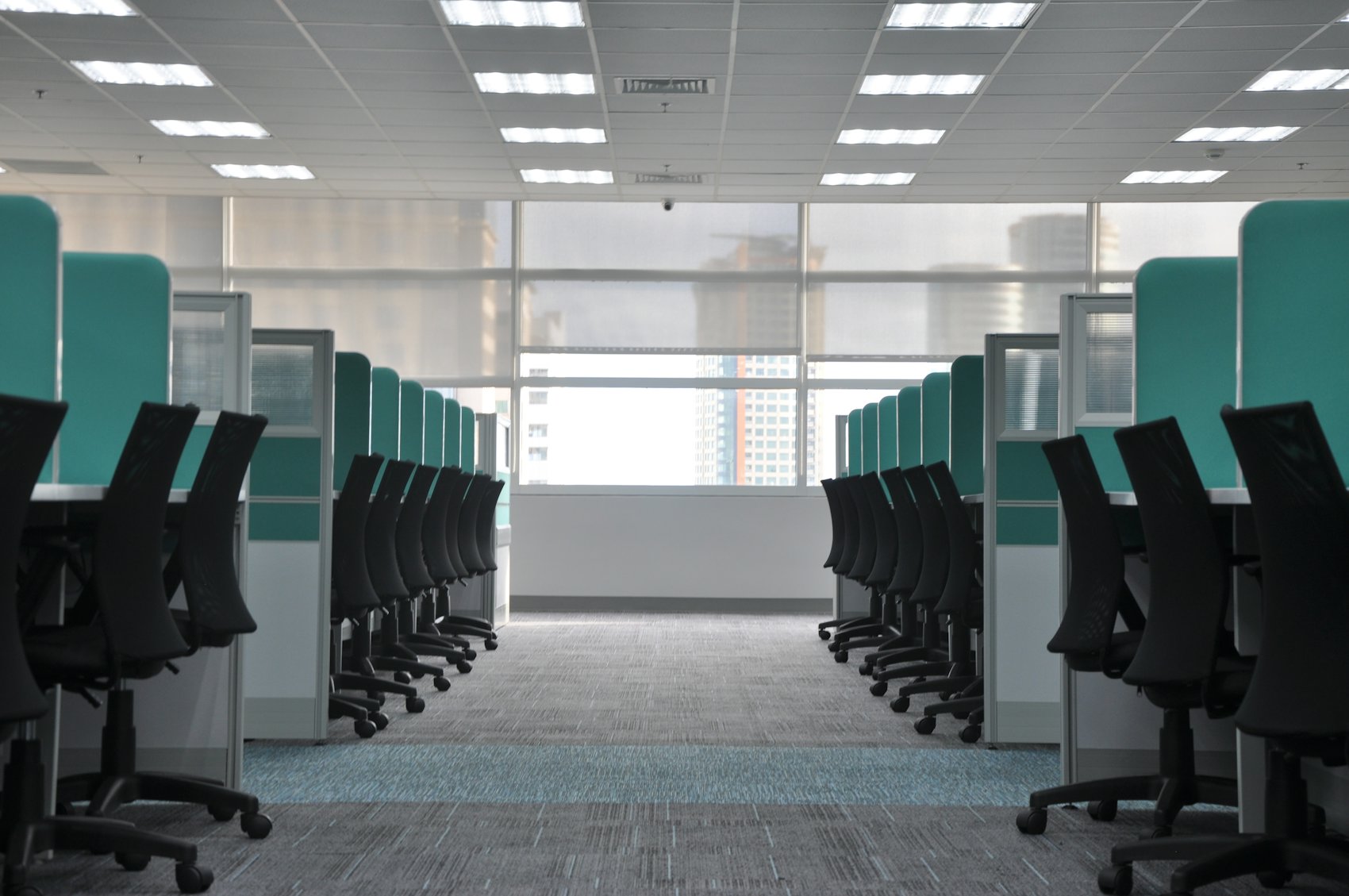
Photo: DPPed, CC BY-SA 3.0, via Wikimedia Commons
Short answer: Office Station supplies sit-stand desks to Phoenix-area offices as freestanding electric or crank desks, as height-adjustable worksurfaces inside cubicles, and as sit-stand benching. Desks come pre-owned (liquidation grade), remanufactured or new: in-stock liquidation grade can be installed in as little as 72 hours, remanufactured usually takes 7 to 14 days and new takes 4 to 6 weeks. Space planning is free, power and cable routing are planned with the layout, and every project is quoted individually.
- Three ways to put sit-stand desks in an office
- Electric vs crank height-adjustable desks
- Sit-stand inside cubicles
- Power and cable management
- Pre-owned, remanufactured or new
- Sizing and fit checks before you order
- Delivering sit-stand desks across the Valley
Three ways to put sit-stand desks in an office
Most Phoenix searches for standing desks start with a single desk in mind. Commercial projects are rarely that simple. A team floor, a row of private offices and a hoteling area each need a different kind of height-adjustable desk, and the right choice depends on what is already on the floor.
Freestanding sit-stand desks
A height-adjustable base with its own top, standing on its own. This is the format for private offices, small suites, open rooms with no panel system and executive desks that need a return. Freestanding desks are the easiest to move later and the simplest to plug in, because each one only needs an outlet. For L-shapes, executive sets and fixed-height desks alongside them, see office desks in Phoenix.
Height-adjustable worksurfaces in cubicles
The panels stay, and the fixed worksurface is swapped for an adjustable base and top that sits inside the station. Workers keep the privacy and acoustic separation of a panel system and gain the ability to stand. This is the most common request from Valley offices that already own their cubicles.
Sit-stand benching
Two or more desks share a frame or power beam, and each seat has its own lift so neighbors can work at different heights. Benching fits open plans, hoteling zones and teams that turn over often. The trade-offs between benching and panels are covered on benching desks in Phoenix, and Office Station's own new line, the OS Power Wall, pairs a freestanding power and data beam with sit-stand desks on both sides.
Electric vs crank height-adjustable desks
The mechanism decides how often people will actually change height. A desk that takes a button press gets used. A desk that takes thirty turns of a handle often gets set once and left there. The table compares the common options.
| Mechanism | How it adjusts | Power at the desk | Best fit | Watch for |
|---|---|---|---|---|
| Dual-motor electric | One motor in each leg, button or memory keypad | Needs an outlet or powered panel | Daily sit-stand use, longer tops, monitor arms and heavier loads | Control box and cords need a tidy path to the outlet |
| Single-motor electric | One motor drives both legs through a shaft | Needs an outlet or powered panel | Lighter setups and shorter tops | Slower and less suited to heavy loads or long tops |
| Crank (manual) | Hand crank turns a gear in each leg | None required | Stations with no outlet nearby, training rooms, shared desks set once per user | Slow to adjust, so people tend to stop adjusting |
| Counterbalance (spring or gas) | Lever release, the top rises or lowers with light force | None required | Quick changes where power is not available | Must be tuned to the weight on the desk; a big load change needs readjusting |
Electric desks are the default for daily work. Ask for memory presets on the keypad if several people share a station, because a saved sitting and standing height saves the next person from guessing. Three-stage legs, which telescope in three sections, give a wider height range than two-stage legs and help when a team includes very short and very tall staff.
Pair the desk with the right chair. A sit-stand desk set to seated height still needs a task chair with good seat height and arm adjustment. Pre-owned and remanufactured designer chairs are on office chairs in Phoenix.
Sit-stand inside cubicles
Retrofitting standing desks into existing cubicles is common and usually cheaper than replacing the whole system, but it only works if the station passes a few checks. Most panel systems hang worksurfaces on brackets attached to the panels. Those surfaces are fixed. To make a station adjustable, the fixed surface comes off and a freestanding adjustable base with a new top goes in its place.
- Clear width. The base needs room between the panels to rise and fall without rubbing. Measure inside the station, panel face to panel face, not center to center.
- Overhead storage. Flipper-door bins and shelves hung on taller panels sit in the path of a rising top and monitors. They either move higher, come out, or limit how far the desk can rise.
- Panel height. On 39 inch and 47 inch low panels, a standing worker looks straight over the top, which suits collaboration but gives up privacy. A 53 inch panel or a glass topper restores some of it.
- Return and corner shapes. L-shaped and corner stations need either an L-shaped base or a straight adjustable desk with a fixed return beside it.
- Power. The control box has to reach an outlet. In powered panels that is easy; in unpowered stations it may need a power pole or new receptacles from an electrician.
When the panels themselves are worn, it can make more sense to rebuild the stations with sit-stand surfaces in one pass. See office cubicles in Phoenix for panel systems, sizes and grades, including stations built with sit-stand worksurfaces from the start.
Power and cable management
Cables are where sit-stand projects go wrong. A fixed desk can have its cords pinned tight to the wall. A desk that moves twenty inches up and down several times a day needs slack, a path and support, or it will pull plugs, snag monitors and wear through cords.
What a good setup includes
- An under-desk cable tray that moves with the top and holds the power strip, adapters and excess cord length.
- A vertical cable spine or chain from the tray down to the floor or panel base, so cords travel in one guided bundle.
- A service loop of slack between the moving desk and the fixed outlet, sized for the full height range, not just the sitting position.
- Monitor arms clamped to the moving top, which keep screens moving with the desk and free surface space.
- Collision clearance. Check that the top will not catch a window sill, a low shelf or a panel-hung bin at its highest setting.
Electrical in Phoenix suites
Many Valley suites, especially older buildings and converted flex space, have outlets only on the perimeter walls. Desks in the middle of the floor then need a powered panel system, a power beam, a power pole or floor boxes. Powered panels and floor work are completed by a licensed electrician after installation and quoted as a separate line. Raise power early, because it shapes the layout more than any other factor. The free office space planning shows where power enters each run before anything is ordered.
Pre-owned, remanufactured or new
Height-adjustable desks come in the same three grades as the rest of Office Station's furniture. Pre-owned costs well below new, and mixing grades in one order is common.
| Grade | Lead time | What you get | Best fit |
|---|---|---|---|
| Liquidation grade (used) | Installed in as little as 72 hours when in stock | Desks as they came off a corporate floor, graded A like new, B very good or C good, with bases checked through their full range | A fast move-in, growth seats, back-office rows |
| Remanufactured | Usually 7 to 14 days | Bases inspected and serviced, new or refinished tops in your finish | Client-facing floors that want one consistent look |
| New | 4 to 6 weeks | Ordered to your top size, base color and finish | Exact sizes, brand standards or larger matched counts |
Office Station is an independent reseller, not an authorized dealer of any manufacturer. Brand names identify the original manufacturer only, and manufacturer warranties generally do not transfer to pre-owned desks. The trade-offs between grades are laid out in used vs remanufactured vs new cubicles.
Sizing and fit checks before you order
- Top size. Common commercial tops are 24 or 30 inches deep and 48 to 72 inches wide. Two monitors and a docking station usually want a 30 inch depth.
- Height range. Check the lowest and highest settings against your shortest and tallest staff. Seated height should let elbows rest at about desk level; standing height should do the same while standing.
- Load. Add up monitors, arms, a desktop computer and anything stored on the top. Heavier setups point to a dual-motor base.
- Floor. Adjustable bases have leveling glides. Note carpet tile, polished concrete or raised floor so the right glides ship.
- Aisles. A standing worker takes up the same floor area as a seated one, but pushed-back chairs still need clearance. Keep accessible routes at least 36 inches clear.
- Matched counts. Twenty matching pre-owned desks is a different search from three. Give the full count up front.
Delivering sit-stand desks across the Valley
Office Station is based in Peoria and delivers across Greater Phoenix: Downtown and Midtown along Central Avenue, the Camelback Corridor, Tempe near the Loop 202 and Rio Salado, the Chandler offices along the Loop 101 Price Road corridor, Scottsdale Airpark, Deer Valley off the I-17, and West Valley sites along the I-10 and Loop 303. Tower deliveries need dock times, freight elevator reservations and certificate of insurance wording settled before the truck is booked. Many business-park and airpark suites have no dock, so desks come off a liftgate in the lot.
From May through September, deliveries are booked for early morning so tops, edge banding and control electronics are not sitting in a hot truck. During the summer monsoon, afternoon storms and dust can roll in quickly, which is another reason to unload early. Ask building management to have the suite cooled on install day. Installation crews assemble each base, mount tops and keyboard trays, route cables and run every desk through its full height range before they leave; see office furniture installation in Phoenix.
Furnishing more than desks? The full range of grades and categories is on office furniture in Phoenix.
Space planning is free. Send your headcount, address, move-in date and a floor plan or a few photos with measurements to hello@officestation.com or call 602-703-4000, or request a quote, and the plan comes back with your sit-stand layout, power notes and a written quote.
Frequently asked questions
Where can I buy standing desks for an office in Phoenix?
Office Station supplies commercial sit-stand desks to Phoenix-area offices: freestanding electric desks, height-adjustable bases inside cubicles, and sit-stand benching. They come pre-owned, remanufactured or new, and are planned to your floor plan rather than sold one at a time off a sales floor. Email headcount, address and a floor plan to hello@officestation.com for a free space plan and a written quote.
Electric or crank standing desk: which is better for an office?
For most offices, electric. People adjust an electric desk several times a day because it takes a button press, while a crank desk often gets set once and left. Crank desks make sense where there is no outlet at the desk, in training rooms, or for shared stations that rarely change height. Dual-motor electric bases handle heavier loads and longer tops better than single-motor bases.
Can you add standing desks to existing cubicles?
Often, yes. The usual method is a freestanding height-adjustable base and worksurface set inside the cubicle, replacing the panel-hung worksurface. It needs enough clear width between panels, no overhead storage at the height the desk rises to, and power within reach of the control box. A quick measurement of the stations and a photo of the panel connectors are enough to check.
How fast can sit-stand desks be delivered in Phoenix?
It depends on grade. In-stock liquidation-grade desks can be installed in as little as 72 hours. Remanufactured desks and workstations usually take 7 to 14 days, and new sit-stand desks take 4 to 6 weeks. If you need matching desks for a whole team, confirm stock for your exact count before you set a move-in date.
Do used standing desks have a warranty?
Generally not from the manufacturer. Office Station is an independent reseller, and manufacturer warranties generally do not transfer to pre-owned furniture. Each pre-owned desk carries a condition grade of A like new, B very good or C good, and electric bases are checked through their full height range. If a factory warranty matters to you, quote new desks alongside pre-owned ones.
How much do office standing desks cost in Phoenix?
Every project is quoted individually. The quote depends on grade, electric or crank, single or dual motor, top size and finish, how many matching desks you need, power at each desk, delivery address and building access. Delivery, installation and any electrical work appear as separate lines. Space planning is free, and the same layout can be quoted in more than one grade.