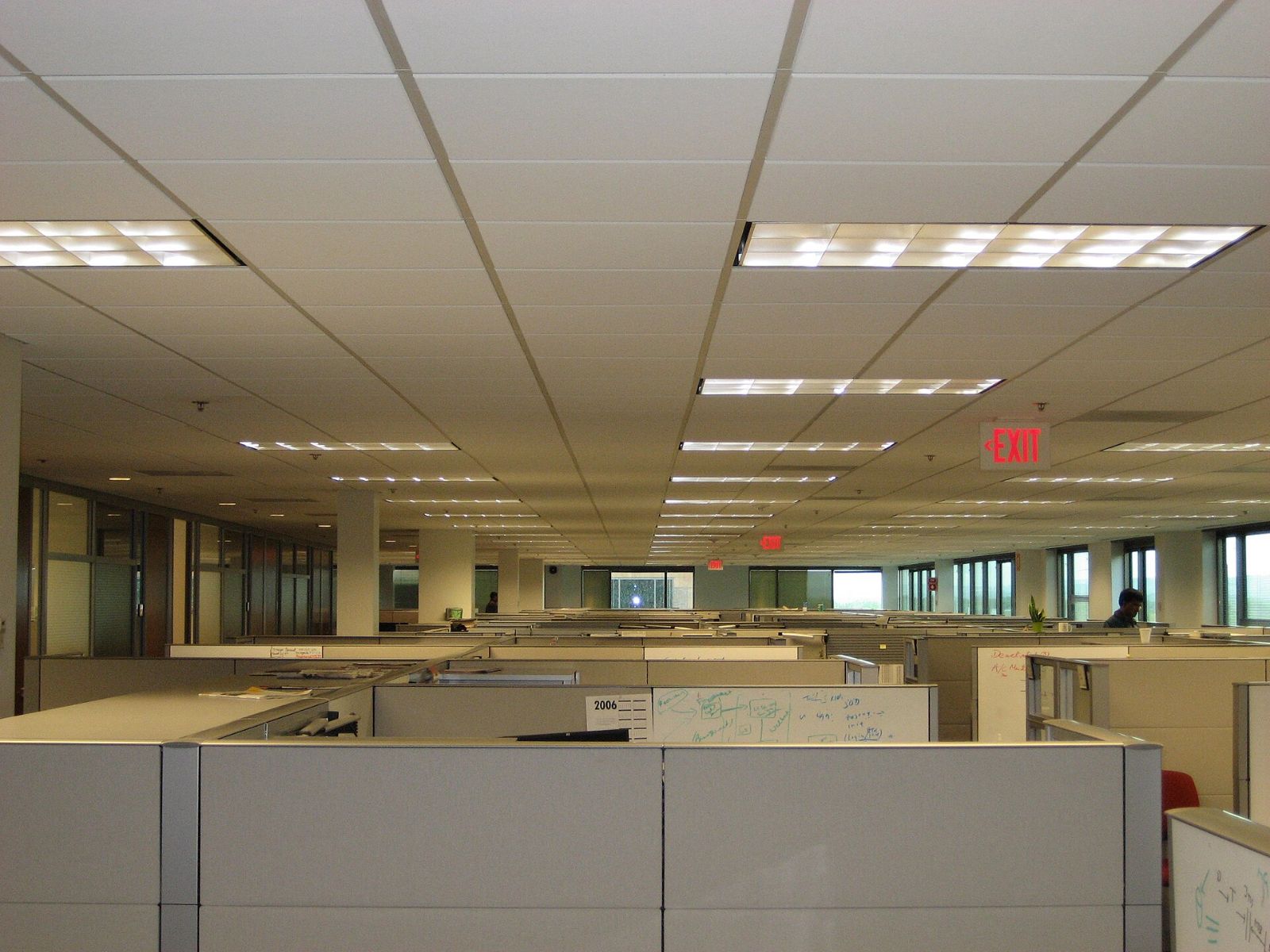
Laptops changed what a desk has to do. When nobody is tethered to a tower PC and a pair of monitors, the big 6' x 6' workstation can be more furniture than the job requires. Compact laptop desks free up floor area, make touchdown and hybrid seating practical, and cost less to furnish per seat.
This page walks through the types of laptop desks that work in a commercial office, how pre-owned condition grades affect what you get, and the questions to settle before you order.
Types of laptop desks for office use
"Laptop desk" covers several different products. Picking the right one starts with how the seat will actually be used.
Compact freestanding desks
A simple table desk, often 24 to 30 inches deep, with a steel or wood base. These are the most flexible option. You can line them up in rows, cluster them into pods, or scatter them through an open area without any electrical or panel work.
Benching segments
Benching is a shared spine with multiple work surfaces attached. It packs more laptop seats into less space and routes power along one central beam. Benching suits teams that sit together and rarely need storage at the desk.
Touchdown and hoteling tables
Shallow, often counter-height or standard-height tables for short stays. People drop in, open a laptop for an hour, and move on. These pair well with a nearby locker bank or shared storage.
Height-adjustable compact desks
A smaller sit-stand desk gives laptop users the option to change posture without dedicating a full workstation. Check the lift mechanism and cord on any pre-owned unit before you accept it.
Laptop desk options compared
| Desk type | Best for | Floor footprint | Power access | Watch out for |
|---|---|---|---|---|
| Compact freestanding | Flexible rows, small teams | Small | Add-on grommets or floor boxes | Cord clutter without a tray |
| Benching | Dense laptop teams | Smallest per seat | Shared central spine | Less personal space and storage |
| Touchdown table | Hybrid drop-in seating | Small | Surface power modules | Not built for all-day sitting |
| Compact sit-stand | Dedicated laptop users | Small to medium | Needs an outlet for the base | Lift motor and control condition |
What condition grades mean for a laptop desk
Pre-owned desks from Office Station carry a clear condition grade so you know what you are buying before it arrives.
- Grade A, like new. Minimal to no visible wear. The right choice for reception, conference-adjacent seating and anywhere clients will see it.
- Grade B, very good. Light signs of use that you would notice up close. A strong value for everyday employee seating.
- Grade C, good. Visible wear such as edge scuffs or light surface marks, fully functional. A smart fit for training rooms, project spaces and overflow seats.
Laptop desks are a good place to use lower grades. A laptop covers less of the surface than a keyboard, mouse and monitor arm setup, and hybrid seats get less daily wear.
Pre-owned brands may include Herman Miller, Steelcase, Knoll, Haworth, Humanscale, Teknion, Allsteel, Kimball, AIS and Friant, depending on what is in stock. Office Station sells these as an independent reseller, not an authorized dealer, and manufacturer warranties generally do not transfer to pre-owned furniture.
Browse pre-owned office furniture
Checklist before you order laptop desks
- Count the monitors. A laptop plus one external screen needs more width than a laptop alone. Two monitors usually means you want a full workstation instead.
- Plan the power. Decide whether each seat gets a grommet, a surface power module or access to a floor box. Electrical work is not included in furniture pricing.
- Measure clearance. Allow room behind each desk for a chair to roll back and for people to pass. Aisles are often where compact layouts fail.
- Match the chairs. A compact desk still needs a real task chair for anyone sitting more than an hour. See pre-owned office chairs.
- Decide on storage. Laptop desks rarely include drawers. Plan lockers, mobile pedestals or shared cabinets.
- Pick a grade per zone. Grade A where visitors walk, grade B or C in back-of-house and hybrid areas.
- Confirm the timeline. Match your move-in date to the lead time of the tier you choose.
Lead times and delivery
Speed is one of the biggest reasons companies go pre-owned for laptop seating.
- Liquidation-grade in stock: as little as 72 hours.
- Remanufactured: usually 7 to 14 days.
- New: typically 4 to 6 weeks.
Delivery is quoted with your project, based on your address, building access and the size of the order. Elsewhere in the country, freight is quoted per project. Installation is quoted with your project, based on the number of stations, building access and the complexity of the layout.
Mixing laptop desks with full workstations
Most offices end up with a blend. Heads-down roles such as finance, design and engineering usually keep full workstations with more surface and storage. Sales, field and hybrid staff often do fine at compact laptop desks. If you need traditional workstations for part of the floor, the used cubicles page explains the three tiers side by side, and you can request a quote in any of them.
If you are also clearing out old furniture to make room, Office Station handles office furniture liquidation, starting with a free walkthrough and a recommendation on the best route for what you remove.
Get a laptop desk layout and quote
Frequently asked questions
What size desk works best for a laptop in an office?
For a laptop alone, a surface around 24 to 30 inches deep and 36 to 48 inches wide is usually enough. If the person docks to one external monitor, go closer to 48 inches wide so the laptop can sit beside the screen. Measure the chair clearance behind the desk too, not just the desk footprint.
Are pre-owned laptop desks a good choice for a hybrid office?
Often, yes. Hybrid seats see lighter daily use than dedicated desks, so a grade B or C surface can look and perform well for years. Grade A is the better pick for client-facing areas where appearance matters most.
How quickly can I get laptop desks?
Liquidation-grade pieces that are in stock can be ready in as little as 72 hours. Remanufactured furniture usually takes 7 to 14 days, and new furniture typically runs 4 to 6 weeks.
Do pre-owned desks come with a manufacturer warranty?
Office Station is an independent reseller, not an authorized dealer, so manufacturer warranties generally do not transfer to pre-owned furniture. Ask about the specific piece and review its condition grade before you buy.
Can you help me figure out how many laptop desks fit my space?
Yes. Space planning is free. Send your floor plan or rough dimensions to hello@officestation.com and the team can suggest layouts and quantities before you commit.
